Tap Install this app if it appears on the login page. Otherwise open Chrome’s ⋮ menu and choose Install app or Add to Home screen.
Your home screen
METIVERA
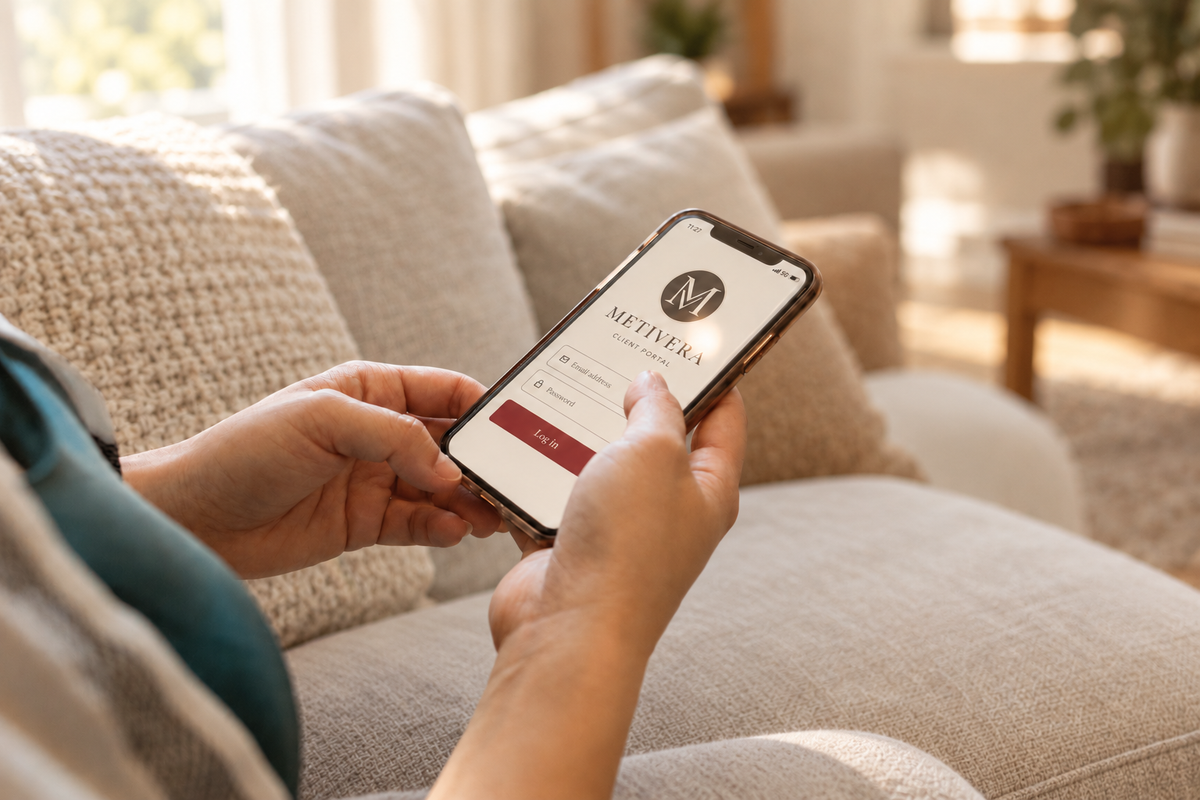
Tap the glyph to open your portal.
03 Confirm & open
Confirm Install or Add when prompted. Find the METIVERA glyph on your home screen or in your app list, then sign in.
A LITTLE HELP
Good to know.
Do I need a new account?
No. Use the same email address and password as your METIVERA client portal. Installing the app does not create an account. If you have not received a portal invitation, contact Erica.
I cannot find the installation option.
Open the link directly in Safari on iPhone or Chrome on Android, rather than inside Instagram, Facebook or an email app’s built-in browser. Scroll through the Share menu or login page. If the app is already installed, an installation button may no longer appear.
Is this an App Store download?
The METIVERA app is your portal installed from your browser as a progressive web app. It uses the same portal account and information. An internet connection is required to use portal services.
How long are reports available?
Reports remain available in the client portal for 30 days after delivery, then are archived. Download and save your own copies during that time. Contact Erica if you need help with an archived report.
 Email addressPasswordLog in
 Email addressPasswordLog in
 METIVERAportal.metiveraadvisory.com